
The Teachers Service Commission, TSC, has released a new procedure for updating teachers’ details on the Teachers Management Information System, TMIS.
To update the teachers’ mobile phone numbers on TMIS by the HOI, use the following steps:
a) On the TMIS home, click on ‘TEACHERS’ tab indicated as 4. Teachers. This opens a list of all teachers in the institution.
b) Move to the rear right of the window, and click on edit icon under the ‘ACTION’ column.
c) The teacher’s details will be opened in edit mode.
d) Enter the verified teacher’s mobile number correctly and save the changes by clicking on the ‘SAVE’ icon; under the ‘ACTION’ column.
e) Repeat this for all teachers at the institution
Related Articles
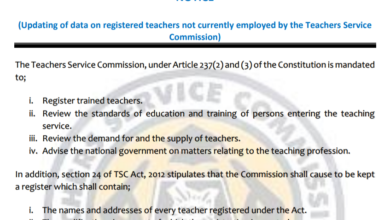 TSC Circular on Updating of data on registered teachers not currently employed by the Teachers Service Commission
 Mwalimu National Sacco Loans & Repayment Schedule (BOSA Loans)
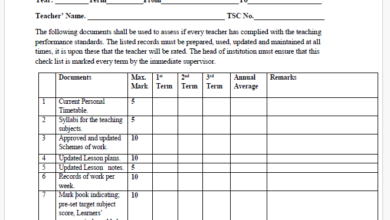 Latest TPAD Teacher’s Checklist of TSC Professional Documents
 Official Kuppet BBF Guidelines For All Branches