KUCCPS 2025 Course Revision Ultimate Guide
The Kenya Universities and Colleges Central Placement Service (KUCCPS) is essential in facilitating access to higher education for Kenyan students by simplifying the placement process for universities, colleges, and TVET institutions. Annually, KUCCPS opens its portal for students to apply for and modify their course selections, allowing them to align their academic goals with their career aspirations.
Also see: Kuccps circular on revision of 2025/26 Courses
For the 2025 placement cycle, the portal has been reopened to enable KCSE 2024 candidates to revise their course applications. We provide a comprehensive guide to assist students in navigating this process effectively.
Looking for a quick guide to Kuccps questions? Check here: Kuccps frequently asked questions: Ultimate Guide




Importance of KUCCPS Course Revision
KUCCPS course revision is vital for candidates who did not receive placement in their initial applications, as it allows them to adjust their selections. It also benefits students who have reconsidered their initial choices due to further research, career guidance, or changes in their academic performance.
This process is particularly important for:
- KCSE 2024 candidates who were not placed during the first application round.
- Students aiming to enhance their chances of being accepted into their desired programs or institutions.
- Applicants who did not participate in the earlier application stages.
The revision period offers students a second opportunity to make informed decisions about their futures.
Key Dates and Deadlines
- Portal Reopening Date: May 18, 2025
- Application Deadline: May 27, 2025
Students must complete the revision process before the deadline to ensure they do not miss out on placement opportunities.
Understanding the KUCCPS Portal
The KUCCPS portal is the platform where candidates can modify their course selections. It provides access to:
- A complete list of available degree, diploma, and certificate programs.
- Information on minimum entry requirements, cluster points, and program codes.
- An interface for submitting applications and processing payments.
Eligibility for Course Revision
To qualify for course revision, candidates must meet one of the following criteria:
- Candidates who applied in the first round but were not placed.
- Candidates who did not apply at all during the initial application phase.
Step-by-Step Guide to Revising Your KUCCPS Application
1. Access the KUCCPS Portal
Visit the official KUCCPS portal.
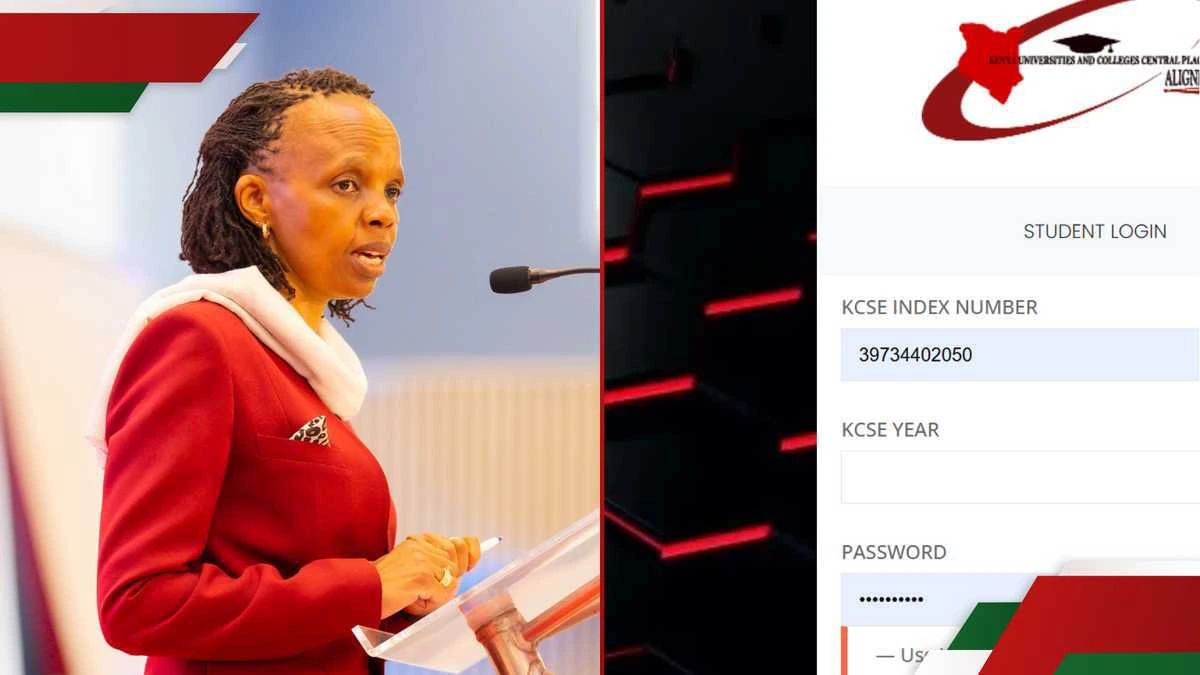
2. Log In to Your Account
You will need the following credentials:
- KCSE Index Number (11 digits)
- KCSE Year (e.g., 2024)
- Password: Use your Birth Certificate Number or KCPE Index Number.
If you encounter any login issues, click the “Forgot Password” link for assistance.
3. Review Available Programs
Once logged in:
-
- Browse the program list, which includes universities, TVET institutions, and colleges.
- Pay close attention to the cluster points required for each program. These points determine eligibility based on your KCSE grades.
4. Revise Your Course Selection
- Select programs by entering their unique Program Codes.
-
-
- Four degree programs.
- Four diploma or certificate programs.Choose up to:
-
5. Make Payment
KUCCPS charges a fee for course revision:
- First-time applicants: Ksh 1,500
- Revising applicants: Ksh 1,000
Payment steps:
-
- On clicking the Submit button in the online application form, a pop-up will be displayed with a “Proceed to Pay” link to the payment platform.
-
- Choose your preferred payment method from the provided options (M-PESA, Kenya Commercial Bank, RTGS, Airtel Money) and proceed to pay as provided for each method.
- For M-PESA, click on the respective button and the payment details will be displayed as Business Number (222222), a random Account Number (provided by e-Citizen) and the expected amount. Enter your M-PESA PIN and Send.
- Use the Account Number to submit the application. DO NOT use the MPESA transaction code.
-
- Note: The same Account Number will be required for any subsequent changes to your application. Therefore, you are advised to retain it.
- After you have successfully paid and submitted, the system will display a message indicating that the application was successful.
- On the Dashboard, you will see your successful application
6. Submit Your Application
-
- After payment, go back to the portal and verify that your selections are updated.
- Confirm submission by clicking “Submit Application.”
- Ensure you receive a confirmation message.
Common Issues and Solutions
1. Problem: Cannot Log In
- Solution: Double-check your credentials. If issues persist, use the “Forgot Password” option to reset your password or contact KUCCPS support.
2. Problem: Payment Not Reflected
- Solution: Ensure the transaction ID is correct. Allow 24 hours for the payment to reflect, and contact KUCCPS if the issue persists.
3. Problem: Missing Program Codes
-
- Solution: Use the search tool within the portal to find your program code or download the KUCCPS program list from their website.
Tips for a Successful Application Revision
-
- Understand Entry Requirements:
Match your KCSE grades to the program requirements. - Have Backup Options:
Choose alternative programs in case you miss out on your first choice. - Seek Professional Advice:
Talk to teachers or career counselors for guidance on selecting the best courses for your goals.
- Understand Entry Requirements:
- Act Early:
Avoid last-minute submissions to prevent system overloads or errors. - Verify Payment:
Ensure you receive a payment confirmation before submitting your application.