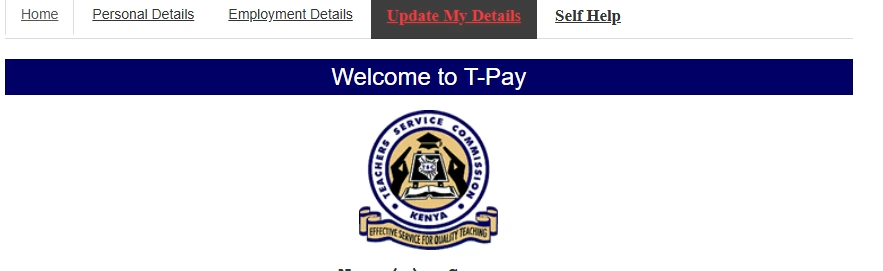
TSC TPay Portal window on successful Login
It is very important for you to check if you are a Kuppet Member.
1. Log in to your T-pay account (https://tpay.tsc.go.ke/fa392bf9a4692aa0cc/zln)
2. Under the menu bar,click on “My Transactions”
3. In the table displayed check the first column written “Ded Type”.
4. If it reads – “SwaS: KUPPET – Union”. Then it means you are a registered member.
5. If it reads – “Agency Fees” . Then it means *you are NOT a member* and you need to register.
1. Log in your T-pay account. (https://tpay.tsc.go.ke/fa392bf9a4692aa0cc/zln)
2. Under the menu bar,click on “send payslips”
3. Select “SWA”
4. Choose “KUPPET – Union Dues”.
5. Click on “Send OTP”.
6. You will receive a One-Time Password (OTP) on your phone.
7. Enter the OTP to proceed.
8. A confirmation message will pop up: _”payslip sent to KUPPET Union Dues”_
9. Finally WhatsApp your TSC Number to to any of the Kuppet officials at the branch for further forwarding.
Once approved,the status of your payslip will change from “Agency fees” to “Union Dues” – confirming official membership.
N/B
Get the latest Mwalimu National Sacco BOSA Loans Application Form {Free Download}, here. PDF Latest…
Here is the revised and latest Mwalimu National Sacco FOSA Salary Advance Application Form {Free…
Here is the latest Mwalimu National Sacco FOSA Instant Loan Application Form {Free Download}. Download…
The landscape of digital gambling has shifted toward high-octane mechanics that prioritize volatility and massive…
The Teachers Service Commission (TSC) has advertised 170 job vacancies across, covering senior, mid‑level, and…
Health Cabinet Secretary Aden Duale has ordered immediate changes to the Social Health Authority (SHA)…
