
How to send your TSC Payslip Online For Loan Application Approval
You can easily send your TSC Payslip online for loan application approval. The process takes very few seconds. Follow these simplified steps:
INSTRUCTIONS ON HOW TO SEND PAYSLIP AND APPROVE LOANS
Step 1. Visit www.tsc.go.ke and click on Online pay slips. See illustration below;

Step 2 .The Teacher( Member ) will insert his/her TSC Number and individual password. See illustration below;

Step 3 Click on ‘Click here to Send your Payslip’. See illustration below;

Step 4.The Teacher (member) will key in his/her TSC Number. See illustration below;

Step 5.Under the drop down titled ‘Select 3rd Party’ select Sacco. See illustration below;
Step 6: Proceed to Select the Teachers Sacco/ Bank: See illustration below;

Step 7: Click on ‘send payslips’. See illustration below;

Step 8 Upon successful execution you will receive a message. If unsuccessful you will receive an error message to prompt you to try again. See illustration below;

LOAN APPROVAL
Once you have sent the payslip to the SACCO/ Bank, you will be required to log in again or get access to the system again to confirm and approve the loan that has been processed.
NB: No loan will be processed to you FOSA/ Bank account until you as the member approves the same on the TSC online payslip system.
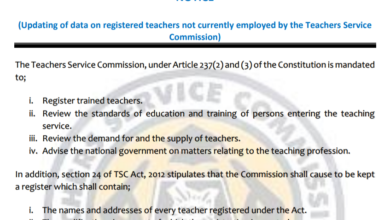 TSC Circular on Updating of data on registered teachers not currently employed by the Teachers Service Commission
 Mwalimu National Sacco Loans & Repayment Schedule (BOSA Loans)
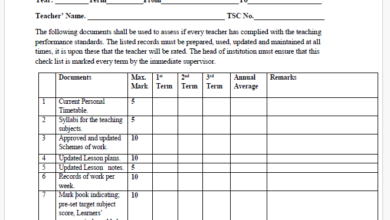 Latest TPAD Teacher’s Checklist of TSC Professional Documents
 Official Kuppet BBF Guidelines For All Branches