
HOW TO PRINT PAST TPAD REPORT
(2020, 2021, 2022)
🔶Log in to your TPAD account.
🔶On the dashboard, go to APPRAISALS then SELF APPRAISAL.
🔶Click VIEW ARCHIVED APPRAISAL.
You’ll get a warning prompt.
🔶Click ADVANCED.
🔶Click PROCEED (It’s indicated ‘Unsafe.’ Ignore the warning)
🔶Click the VIEW APPRAISAL tab on the far right of each term appraisal.
🔶On your computer, press CTRL+P to print each page.
🔸To work out the figures to enter in the promotion application portal, get the average score for each year.
🔸Print the reports and have them stamped by your head of institution. Retain them for use during the promotion interviews.
Related Articles
 TSC Circular on Updating of data on registered teachers not currently employed by the Teachers Service Commission
 Mwalimu National Sacco Loans & Repayment Schedule (BOSA Loans)
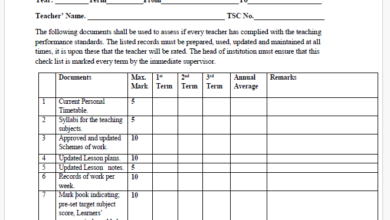 Latest TPAD Teacher’s Checklist of TSC Professional Documents
 Official Kuppet BBF Guidelines For All Branches